Personalised Pet Gifts and Accessories Made From Your Photos
Turn a favourite pet photo into a custom gift by choosing a sharp, well-lit image, uploading it at 300 dpi and checking the live mockup before you order.
To make a personalised pet gift that looks great, start with a sharp, well-lit photo taken at your pet's eye level, upload it at the highest resolution you have, and check the live mockup before you order. Pet gifts are popular for birthdays, adoption anniversaries and as a memorial keepsake, and a good photo matters more than any other design choice.
Gift ideas for pet owners
You can print a photo or illustration onto a wide range of products. Stick with items people already use every day.
- Pet accessories: browse Pet Supplies for items made for animals.
- For the owner: mugs and bottles, totes, cushions and blankets. See Home & Living and Mugs, Tumblers & Bottles.
- Wearable gifts: clothing and caps with a pet portrait or name. See Hats & Accessories.
- Memorial keepsakes: a cushion or blanket with a treasured photo is a gentle way to remember a pet.
You can also search by animal, for example dog or cat.
What makes a good pet photo
Printing is full-colour, so photos are completely fine. Quality is what counts.
Light and focus
- Shoot in natural daylight near a window or outdoors in the shade; harsh midday Australian sun creates squinting and deep shadows.
- Tap to focus on the eyes. If the eyes are sharp, the whole portrait feels sharp.
- Avoid flash, which can cause red or green eye glare.
Angle and framing
- Get down to your pet's level.
- Fill the frame with the face, leaving a little space around the head so it is not cropped when scaled.
- Choose a plain or softly blurred background, which makes it easier to place on a product.
Moment and expression
Take lots of shots. Treats, a favourite toy and a quiet moment after a walk all help. Pick the one that shows personality, not just the sharpest.
Photo quality checklist
Use this quick checklist to prepare any pet photo for printing:
- Use the original file from your phone or camera, not a screenshot or a social media copy.
- Aim for 300 dpi at the size you plan to print; 150 dpi is the minimum.
- Check that the eyes are in sharp focus.
- Make sure nothing important is at the very edge of the frame.
- Preview in the designer; it warns you if resolution is too low.
- Remember that screen colours can differ slightly from the printed result, especially with very dark coats.
Designing step by step
- Choose the product, then open it in the online designer.
- Upload your photo and drag, scale and rotate it until the face sits where you want it.
- Add your pet's name in text, plus a date or short message if you like.
- Look at the live mockup from several angles. If the product has more than one print side, design each side separately.
- Order a single piece first if the gift is for a milestone you cannot redo. There is no minimum order.
For more on artwork rules and print methods, read the ordering guide.
Backgrounds, cut-outs and text
If your photo has a busy background, you have two options. You can crop in closely so only the face shows, or you can upload a version with a transparent background (PNG) and place it on a solid colour or pattern. Keep names short and readable; large, simple letters work better than thin script on textured items like blankets.
Planning delivery and timing
Production starts after payment, commonly around 5 working days, and delivery takes about 8 to 14 working days after dispatch to your Australian address. For a birthday or adoption anniversary, order about four to five weeks early. Items are made to order, so you cannot return them for a change of mind, but faulty or misprinted items are remade or refunded if reported within 7 days of delivery with photos. See the returns policy. Delivery is a flat A$20 per order, and free over A$200, so combining gifts for several pet-loving friends in one order helps.
FAQ
What kind of photo works best for a personalised pet gift?
A sharp, well-lit photo taken at eye level with the eyes in focus. Use the original file rather than a screenshot, ideally at 300 dpi.
Can I use a low-quality photo?
You can try, but the designer will warn you if resolution is low, and the print may look soft. Where possible, upload the original image from your phone or camera.
Can I order just one pet gift?
Yes. There is no minimum order and no setup fee, so a single piece is fine. Unit prices fall if you order more.
Can I get a pet memorial gift made from an old photo?
Yes, if the photo is clear enough. Scan an old print at high resolution or use the best digital copy and check it carefully in the live preview.
Will the colours match my screen exactly?
Not always. Screen colours can differ slightly from the printed result, so expect small variations, particularly with very dark or very bright images.
Pick a product, upload your design and see a live preview. Order from a single piece.
Browse all productsRead next
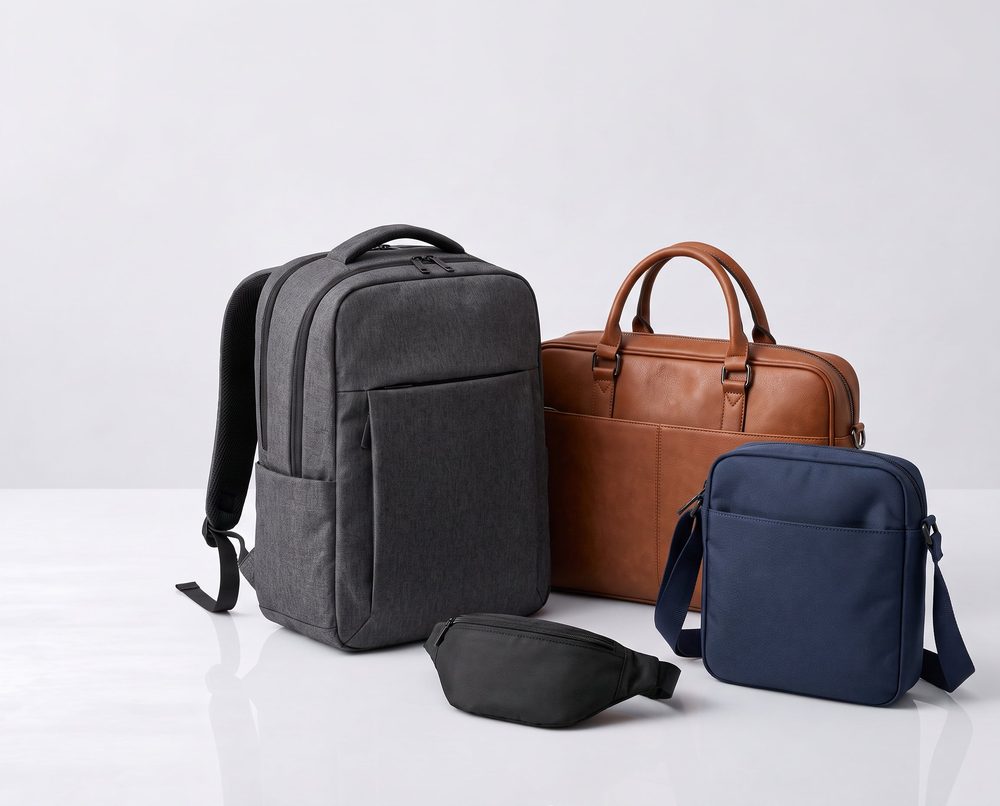
Conference and Trade Show Merch People Actually Keep
Merch gets kept when it is useful every day. Bags, drinkware and tech accessories earn desk and bag space long after an Australian expo has finished.
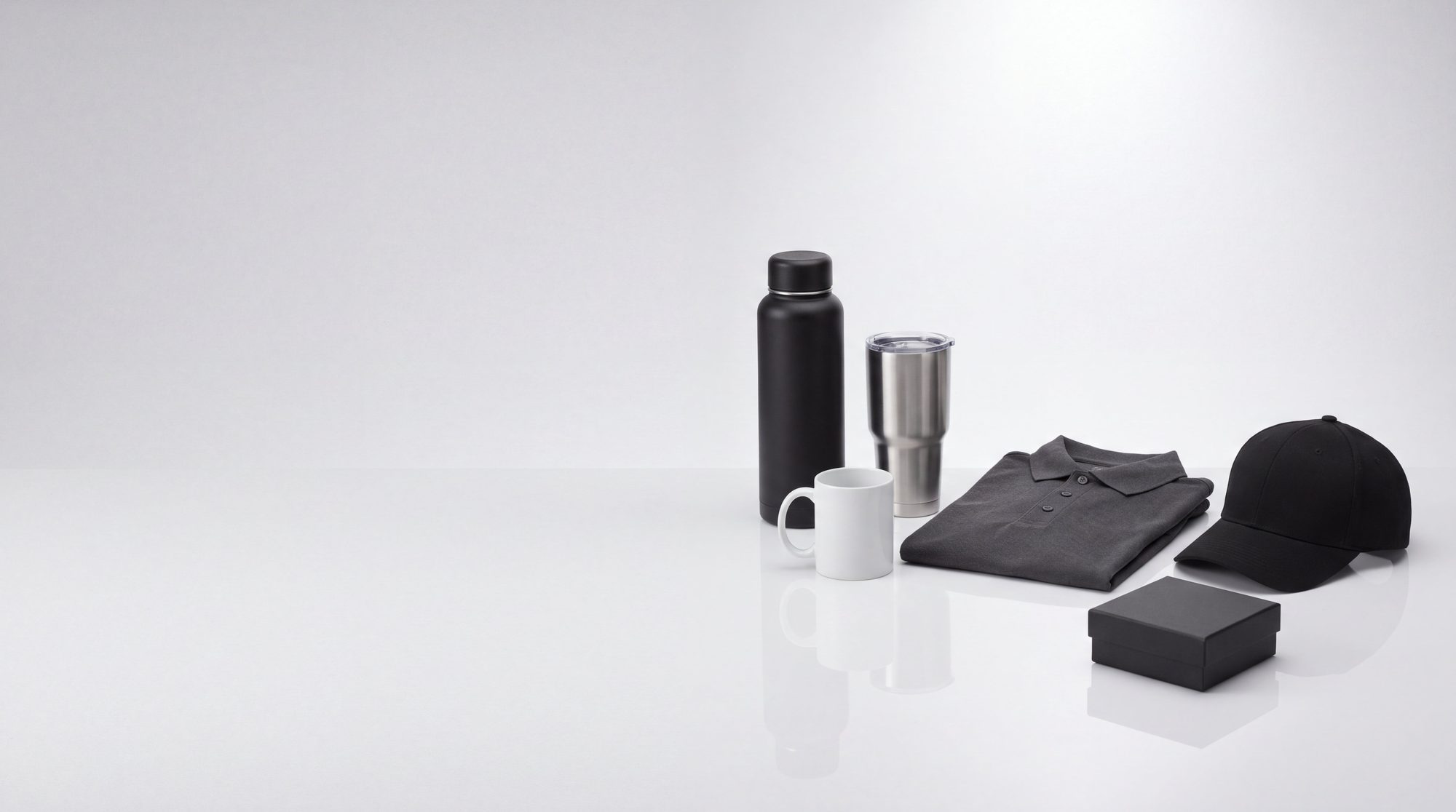
Corporate Gifts in Australia: EOFY, Christmas and Staff Awards
Plan corporate gifts around EOFY, Christmas and the summer shutdown: work back from your date, set a per-head budget and order about five weeks early.
Custom Car Accessories and Road-Trip Gear for Gifts and Clubs
Custom sun shades, seat and steering covers and picnic or beach items make practical gifts and club merch, ordered in small runs and delivered Australia-wide.